Table of Contents
MAE44 Multi-Device Login Policy — What Malaysians Must Know
As Malaysia’s online gaming industry continues to grow in 2025, more players frequently switch between mobile phones, tablets, laptops, and desktops when accessing their favourite platforms. Because of this trend, understanding the MAE44 Multi-Device Login Policy has become extremely important for both new and existing members. Whether you play after work on your phone, or switch to a laptop for a longer session, or use a backup device during travel, MAE44 ensures that every login remains secure, stable, and protected. However, due to industry-wide security challenges—especially account sharing, fraud, and bonus abuse—MAE44 enforces strict but fair rules to keep all Malaysian players safe. This complete guide explains how multi-device login works, what is allowed, what triggers account warnings, and how to avoid accidental lockouts. Every MAE44 member should understand these rules to prevent login issues and enjoy smooth gameplay across all devices.
1. Why MAE44 Uses a Multi-Device Login Policy
Multi-device access is convenient, but it also introduces risks.
In Malaysia, platforms face:
- account sharing among friends
- syndicates abusing free credit
- multiple login attempts from unverified devices
- security breaches from public networks
- stolen account credentials
- automated bots
- duplicate account registration
To protect genuine players, MAE44’s multi-device system is designed to ensure:
1. Account Security
Only the real owner can access the account.
2. Bonus Policy Integrity
Prevents abuse of promotions through multiple devices.
3. Fraud Prevention
Stops suspicious patterns, VPN masking, and duplicate IP logins.
4. Stable Gameplay
Prevents crashes caused by simultaneous multi-device activity.
5. Faster Account Recovery
Clear device records help MAE44 support teams verify true ownership.
This policy makes the platform safer and more consistent for all Malaysian users.
2. How MAE44 Multi-Device Login Works (Simple Overview)
MAE44 uses a multi-layered security system that identifies and binds your account to your devices using:
- device ID
- IP address
- location signals
- login patterns
- browser fingerprints
- network type
- behavioural analysis
Once you log in, MAE44 classifies the device as:
a. Primary Device
Your main phone or computer.
b. Secondary Device
A backup device you occasionally use.
c. Unrecognized Device
Any new device not previously verified.
Depending on the category, MAE44 may allow, challenge, or block access automatically.
3. Allowed Multi-Device Usage on MAE44
MAE44 understands that Malaysians often use more than one device.
The following multi-device behaviours are permitted:
1. Switching Between Mobile and Laptop
Example:
Use mobile during work breaks → Switch to laptop at home.
2. Using One Backup Device
A second phone or tablet is acceptable.
3. Occasional Login on a New Device
If you travel or upgrade phones, MAE44 allows device change after verification.
4. Logging Out Automatically When Switching
MAE44 may log out the first device to protect your account.
All these behaviours are normal and safe.
4. What Is NOT Allowed Under MAE44’s Multi-Device Policy
The following actions may trigger security alerts or account restrictions.
1. Logging in From Multiple Devices at the Same Time
Simultaneous multi-device sessions appear suspicious.
2. Sharing Your Account With Friends or Family
This violates MAE44 Terms of Service.
3. Using Public or Shared Devices
Internet cafés, shared tablets, or work computers create security risks.
4. Using Emulators to Login
Using PC emulators to mimic mobile devices may trigger auto-blocks.
5. Using VPN to Mask Devices
VPNs make device verification difficult and can cause immediate account flags.
6. Switching Devices Too Frequently
For example:
- phone → tablet → laptop → work PC → friend’s phone all within a short period.
MAE44 interprets this as potential account misuse or sharing.
5. What Happens When MAE44 Detects Suspicious Device Activity
Depending on the severity, MAE44 may apply:
Warning Flags
Temporary alerts requiring verification.
Temporary Account Lock
Triggered when device behaviour appears unsafe.
Forced Logout
All devices logged out for security reset.
Verification Request
OTP, ID check, or manual review from support.
Permanent Ban (Severe Violations)
Reserved for repeated fraud, multi-account abuse, or bonus cheating.
MAE44 always prioritizes protecting genuine players—even if it means adding extra verification steps.
6. How MAE44 Detects Device Abnormalities
MAE44 employs advanced tracking technologies used by global financial systems:
1. Device Fingerprinting
Tracks unique hardware/software combinations.
2. IP Behaviour Analysis
Detects shared networks, proxies, or suspicious routing.
3. Login Frequency Tracking
Too many login attempts from different devices triggers alarms.
4. Geo-Location Mismatch Detection
Frequent switching between distant locations is flagged.
5. Browser & System Profiling
Every system has a unique signature.
These systems allow MAE44 to differentiate between real usage and dangerous activity.
7. Multi-Device Login During Travel — What Malaysians Need to Know
Many Malaysians travel frequently to Singapore, Thailand, Brunei, Indonesia, and China.
MAE44 supports legitimate travel behaviour.
Safe Travel Login Tips
- Inform MAE44 support if you plan to use a foreign device.
- Avoid logging in through hotel WiFi with shared routing.
- Disable VPN.
- Use your own phone, not public devices.
- Be prepared for extra OTP verification.
MAE44’s system recognizes legitimate international travel but still enforces protective screening.
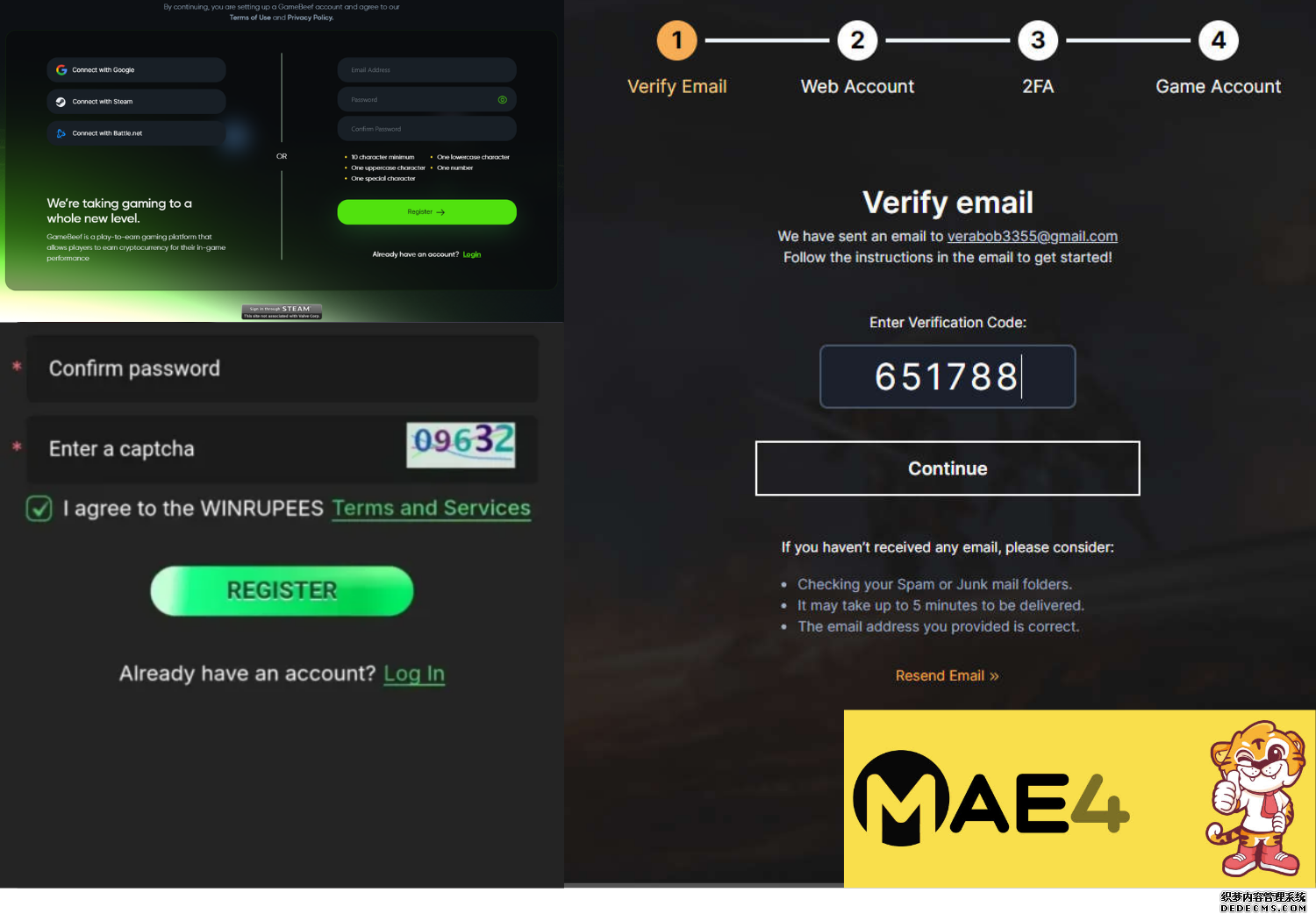
8. How to Register Safely to Avoid Device Issues Later
Your registration details affect how easily MAE44 verifies your account.
During sign-up, always:
1. Use Your Real Malaysian Phone Number
This becomes your primary verification tool.
2. Use the Device You Play With Most Often
The first login helps MAE44 identify your main device.
3. Ensure Details Match Your Bank Account
Name mismatch triggers tighter device monitoring.
4. Avoid VPN During Registration
A clean first login ensures future stability.
By following these simple steps, you’ll experience fewer verification interruptions.
9. What To Do If MAE44 Locks Your Account Due to Device Activity
Don’t panic—MAE44’s support team resolves these cases quickly.
Step 1: Contact Live Chat
Support is available 24/7.
Step 2: Verify Ownership
Usually via:
- OTP
- IC check
- Last transaction details
Step 3: Remove Old Device Records
Support can reset your device list.
Step 4: Re-login Safely
Use one primary device for the next 24 hours to stabilize the system.
Once verified, your account is restored to full access.
10. How to Avoid Getting Flagged by MAE44’s Multi-Device System
Follow these best practices to keep your account safe and uninterrupted:
1. Always Logout Before Switching Devices
This prevents dual-session triggers.
2. Use a Maximum of Two Devices Regularly
Primary + backup only.
3. Avoid VPN at All Costs
VPN use is the most common cause of flags.
4. Do Not Share Your Account With Anyone
Not even family members.
5. Keep Your Phone Number Active
If you change numbers, update it immediately.
6. Avoid Public or Office PCs
These cause duplicate IP flags.
7. Register Only One Account Per Person
Duplicate accounts trigger permanent bans.
Following these simple habits ensures long-term trouble-free access.
11. Why MAE44’s Multi-Device Login Policy Benefits Players
Although some players find security rules strict, these policies protect everyone.
a. Prevents Account Theft
If someone tries to log in from another device, MAE44 instantly detects it.
b. Protects Your Money
Suspicious withdrawals are blocked automatically.
c. Prevents Bonus Exploitation
Ensures fairness in free credit and promotions.
d. Enhances Gameplay Stability
No lag from multiple device conflicts.
e. Supports Fast Verification and Recovery
Device tracking helps MAE44 quickly identify real account owners.
MAE44 prioritizes Malaysian players’ long-term security over shortcuts.
12. Common Questions Malaysians Ask About Multi-Device Login
1. Can I log in on my phone and laptop at the same time?
Not recommended—system may auto-logout or flag your account.
2. Can I switch devices multiple times per day?
Yes, but too many rapid switches may trigger a review.
3. Can my family use MAE44 on the same WiFi?
Yes, as long as each person uses:
- different devices
- different accounts
- different phone numbers
- no shared device
4. What if I lose my primary phone?
Contact support immediately to remove old device verification.
5. Can I use emulator software?
No. Emulator use is flagged as suspicious.
Final Verdict: MAE44’s Multi-Device Login Policy Keeps Malaysians Safe
MAE44’s Multi-Device Login Policy is designed to protect players from:
- account theft
- bonus abuse
- fraud
- accidental lockouts
- unauthorized access
By regulating how devices log in, MAE44 ensures a secure, fair, and stable gaming environment for all Malaysians. The system allows reasonable flexibility—players can still switch between devices—but enforces strict rules against risky behaviour.
If you follow MAE44’s recommended best practices, you will enjoy smooth login, stable gameplay, and maximum account security across all your devices.